Introduction
Building a multilingual blog headless CMS sounds straightforward until you actually implement it. You end up duplicating posts per language, breaking URL structures, and dealing with inconsistent content across locales. Add multiple websites or clients into the mix, and the system becomes hard to scale and maintain.
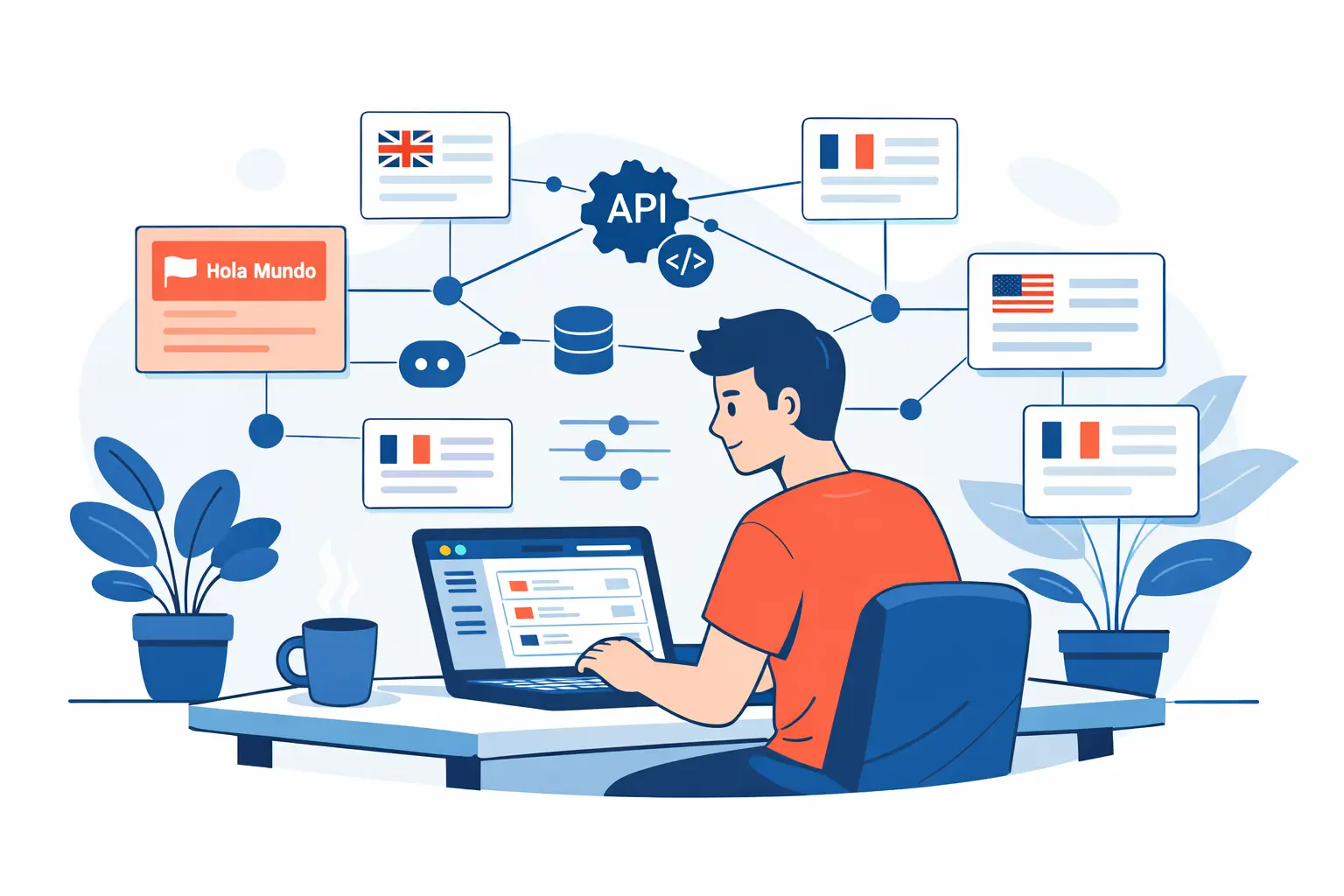
A headless approach with a REST API solves this by separating content management from presentation. You define a clean data model, expose content via an API, and let your frontend handle rendering per language. The key is treating language as part of the content structure—not as an afterthought.
In this article you’re going to learn how to design, build, and deploy a multilingual blog using a headless CMS and a REST API, avoiding common pitfalls and keeping your setup scalable from day one.
Prerequisites
A headless CMS (we’ll use Agora CMS as reference)
Basic understanding of REST APIs
A frontend framework (Astro, Vue, Next.js, etc.)
A working development environment (Node.js or similar)
1. Design your multilingual content model
The most common mistake: creating one post per language. Don’t do this.
In a proper multilingual blog headless CMS, language must be part of the data model.
Option A: One entry per language
{
  "id": 1,
  "title": "Hello world",
  "content": "Content in English",
  "locale": "en",
  "slug": "hello-world"
}
Option B: Group translations (recommended)
{
  "id": 1,
  "slug": "hello-world",
  "translations": {
    "en": {
      "title": "Hello world",
      "content": "Content in English"
    },
    "es": {
      "title": "Hola mundo",
      "content": "Contenido en español"
    }
  }
}
Why option B is better:
Single source of truth
No duplicated logic
Easier SEO management (hreflang relationships)
With Agora CMS, you can define this structure using custom content types without adding complexity .
2. Configure your REST API for language delivery
Your API should either filter by language or return all translations.
Basic endpoint
GET /api/posts?locale=enExample in PHP
$locale = $_GET['locale'] ?? 'en';

$query = "SELECT * FROM posts WHERE locale = ?";
$stmt = $db->prepare($query);
$stmt->execute([$locale]);

echo json_encode($stmt->fetchAll());
Endpoint with full translations
GET /api/posts/hello-worldResponse:
{
  "slug": "hello-world",
  "translations": {
    "en": {...},
    "es": {...}
  }
}
Key principle: your API should return data ready to render. Avoid pushing transformation logic to the frontend.
3. Structure your URLs correctly
This is critical for SEO.
Recommended structure
/en/blog/hello-world
/es/blog/hola-mundo
Not recommended
/blog/hello-world?lang=esWhy language prefixes matter:
Better indexing by search engines
Cleaner, user-friendly URLs
Works seamlessly with hreflang
Example in Astro
export function getStaticPaths() {
  return posts.map(post => ({
    params: {
      lang: post.locale,
      slug: post.slug
    }
  }));
}
4. Consume the API in your frontend
Now connect your frontend to the CMS.
Vue 3 example
import { ref, onMounted } from 'vue';

const posts = ref([]);

onMounted(async () => {
  const res = await fetch('/api/posts?locale=en');
  posts.value = await res.json();
});
Astro example
const res = await fetch(`${API_URL}/posts?locale=${lang}`);
const posts = await res.json();
Tip:
SSG → requires rebuilds when content changes
SSR → dynamic content without rebuilds
A hybrid approach usually works best for blogs.
5. Add multilingual SEO support (hreflang)
This is mandatory.
Each page should include alternate versions:
<link rel="alternate" hreflang="en" href="https://example.com/en/blog/hello-world" />
<link rel="alternate" hreflang="es" href="https://example.com/es/blog/hola-mundo" />
Optional fallback:
<link rel="alternate" hreflang="x-default" href="https://example.com/en/blog/hello-world" />Result:
Search engines understand language variations
No duplicate content issues
Better international rankings
6. Manage content from a single panel
This is where the real efficiency comes in.
With Agora CMS you can:
Create one post with multiple languages
Edit all translations in one place
Serve content to multiple websites from a single API
Real workflow:
Create a post in English
Add Spanish translation
Publish
API exposes both versions instantly
No duplication. No manual syncing.
This aligns with the content centralization strategy described in Agora CMS documentation .
Final result
By the end, you’ll have:
A fully functional multilingual blog headless CMS
Centralized content management
REST API serving content per language
SEO-friendly URL structure
Decoupled frontend (Astro, Vue, etc.)
Scalable setup for multiple websites or clients
In practice: you can manage multilingual content across several projects from a single system.
Conclusion
Creating a multilingual blog with a REST API is mostly about making the right architectural decisions early. Define your content model properly, structure your API cleanly, and handle SEO correctly from the start. A headless CMS like Agora CMS removes unnecessary complexity and lets you focus on delivering content across languages efficiently.
If you work with multiple clients or international projects, this setup is not optional—it’s the baseline.
Try Agora CMS and build your first multilingual blog in a few hours.